Sentinel Admin Control Center
The Sentinel Admin Control Center is installed parallel to the HASP-SRM dongle driver automatically. The Sentinel Admin Control Center is used for dongle updates and diagnosis in case of any problems.
Activate .v2c update on dongle
An update of the dongle is required when a single or several CadnaB options, further standards, or objects shall be enabled. In those cases you will receive a *.v2c („vendor-to-customer“) from DataKustik. Using this file, the update is activated on the dongle
Proceed as follows:
- Quit all processes of CadnaB on your PC.
- Ensure that the dongle to be updated is attached to a free USB-port of the PC presently in use. In order to update a network dongle detach it from the server-PC and attach it to the PC presently in use.
Update via Admin Control Center
- Start the Admin Control Center either via
- the start up menu at Program Files\Datakustik\AdminControlCenter,
- the installation directory at Program Files\Datakustik\CadnaB\AdminControlCenter or
- entering localhost:1947 to any web browser.
- Sentinel Admin Control Center is displayed in your web-browser.
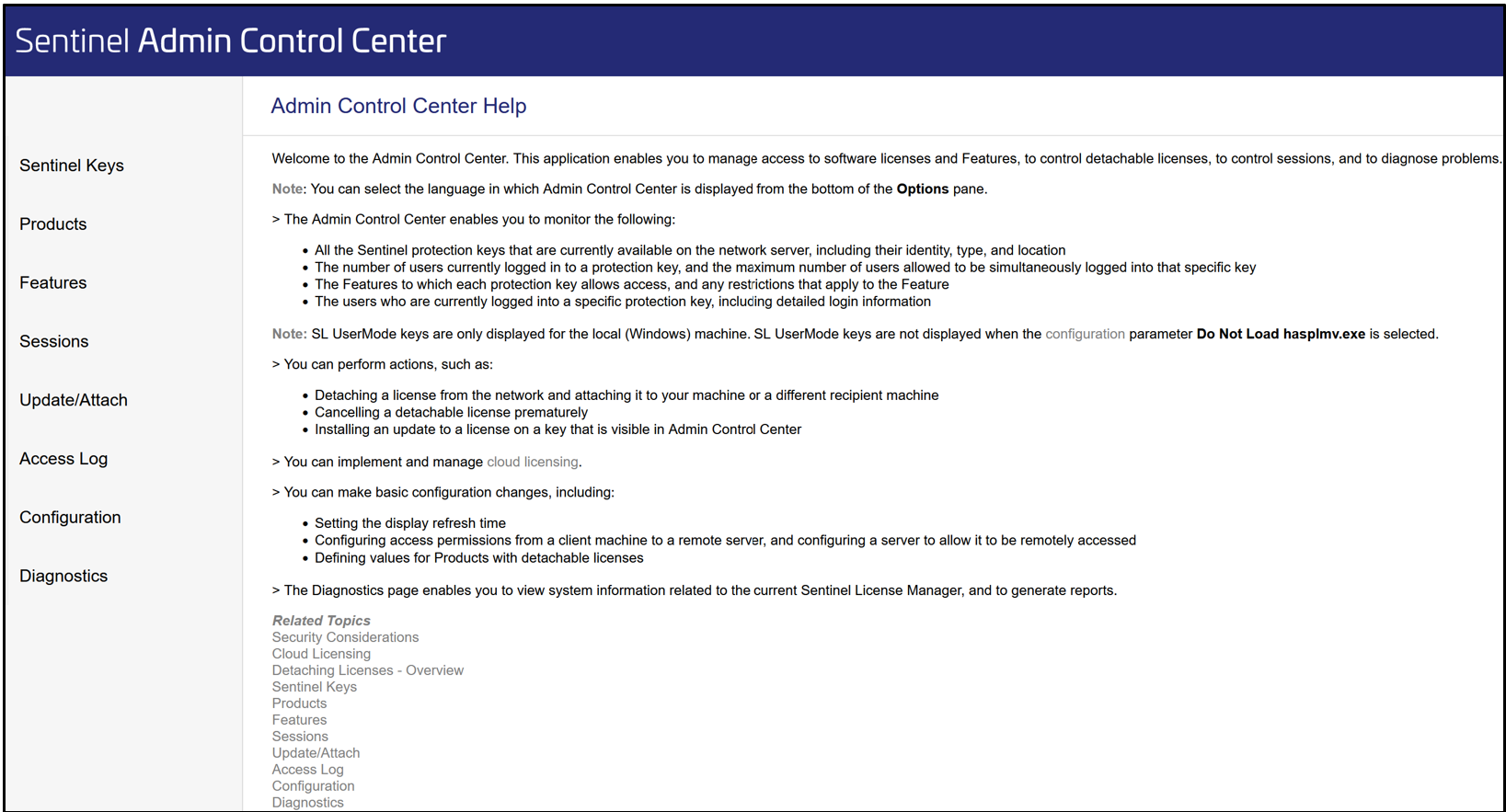
- Click in the menu (on the left) the item „Sentinel Keys“ to display all attached dongles in a list.
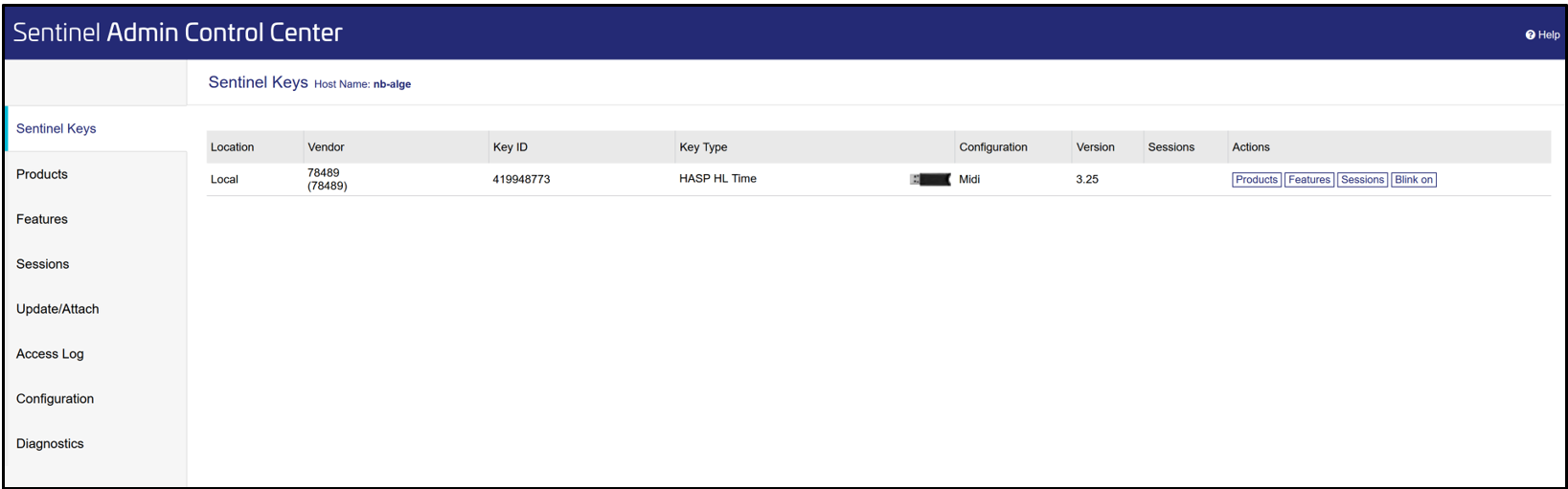
All locally attached, as well as - if available - all network dongles on the network are displayed in the table.
- Now, click in the menu the item „Update/Attach“.
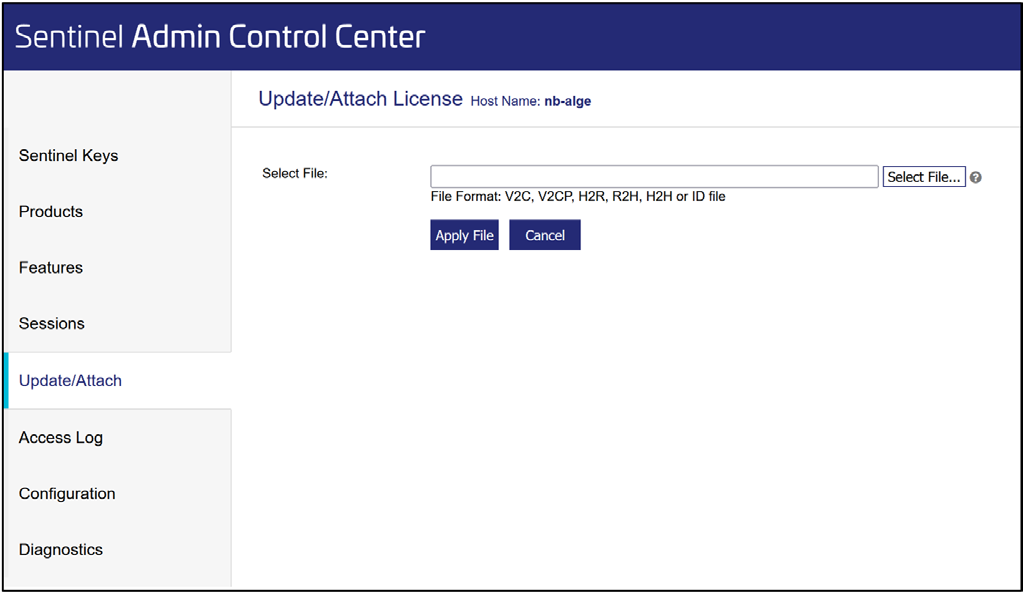
- Select the .v2c-file sent by DataKustik using the button „Select File...“.
- When the file has been selected click on button „Apply File“ in order to activate the Update.
Update via DataKustik Launcher
- Install and start the DataKustik Launcher available at our website.
- Click the button „Update dongle“
- Select the .v2c-file and click „Open“ to update the dongle.