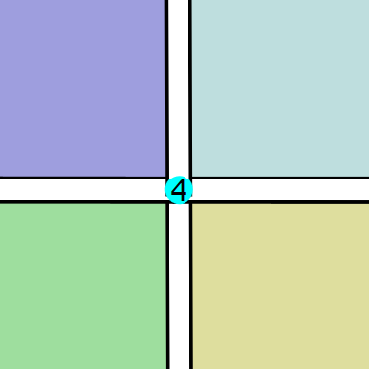
Entering & Editing Junctions
Junctions are not entered or selected in CadnaB, but are automatically identified and assigned during input and calculation. The number within the green point shows the number of identified and connected components at each junction.
Input rules
The following rules and restrictions must be respected in order to achieve an error-free identification and assignment of the corresponding junction type.
Manual input of the element geometry
Vertical junctions are automatically identified in the following situations:
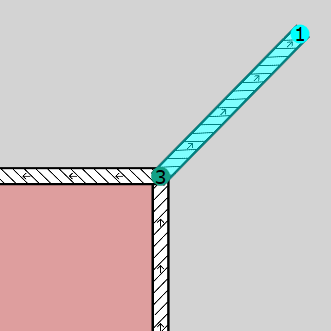
- The new wall extends from an existing junction:
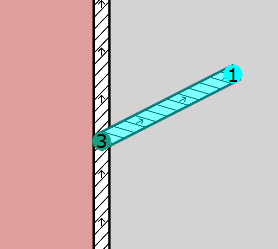
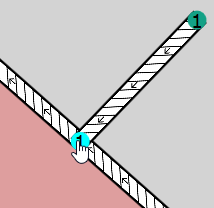
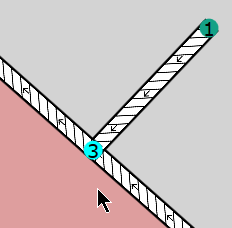
- The new wall starts from a point on an existing wall:
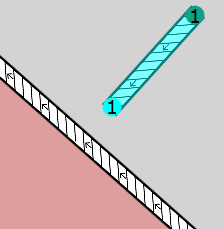
- If the end of a wall is dragged onto an existing wall using the mouse, a junction is created at the connection point as soon as the mouse button is released, provided the distance between the two walls is less than 0.5 m.
 |
 |
 |
Deleting junctions
Junctions cannot be deleted directly, but only indirectly in the following cases.
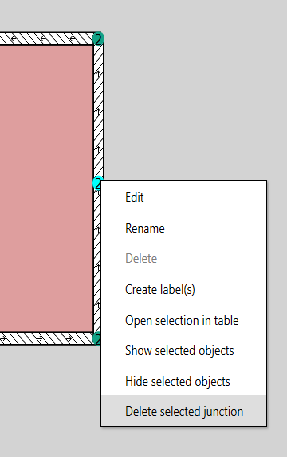
- The vertical junction between two walls, which are almost in alignment, can be deleted. To do this, select the Delete selected junction command from the context menu of a junction:
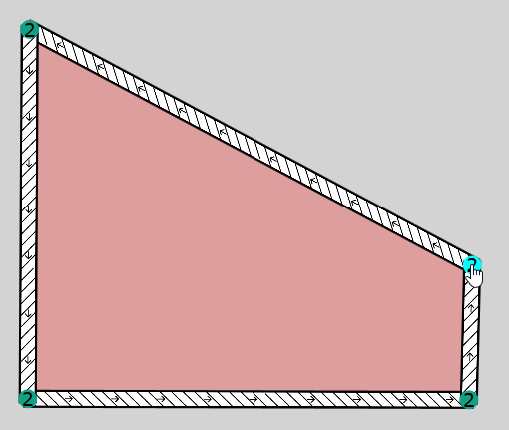
- A junction is also deleted if it gets dragged onto another existing junction. At the same time, one of the two walls connected at the former junction is deleted.
 |
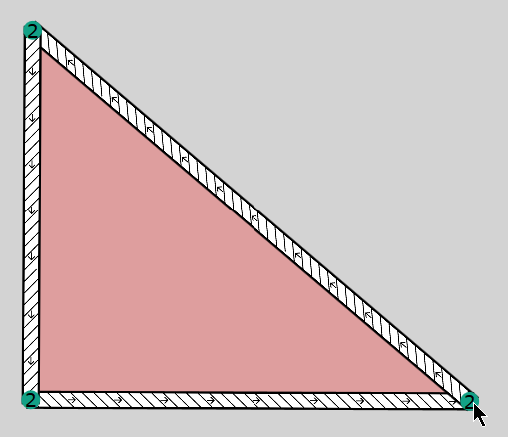 |
To achieve this, click with the mouse button on the junction to be removed and keep the mouse button pressed. Drag its position to the junction to be kept and release the mouse button. At the same time, the former junction and a wall are deleted from the list.
Junctions at element crossings
In particular after import procedures (see below), crossing walls can occur that initially do not form a common junction:
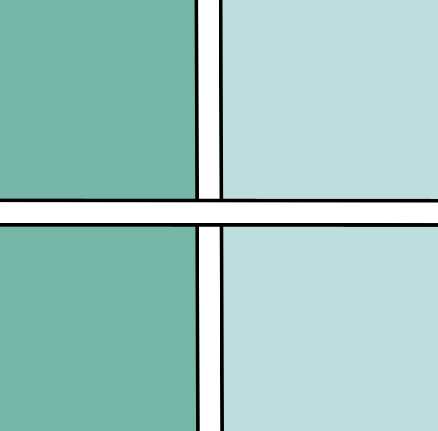
In order to fix such errors, proceed as follows:
-
Select the junction tool
 from the toolbar (see Symbol Bar).
 -
Click with the tool on the crossing point of the two elements.
A junction is created, the wall elements are connected to each another and, if necessary, the room geometries are closed obtaining a valid geometry: