Label
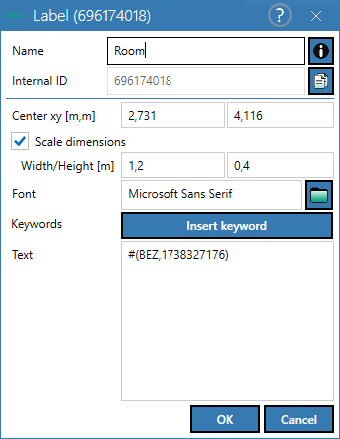
Dialog options
- Name, Memo-field
 , Internal ID: see Common Input Data
 - Center xy (m, m): center point of the label
- Option „Scale dimensions“: If the "Dimensions scale-dependent" option is activated, the frame and the text will adapt to the set scale.
- Width/Height: Size of label
- Font: text font, style and size via
 editable
 - Keywords: The button can be used to select keywords from an object-related tree (here for the "Wall" object):
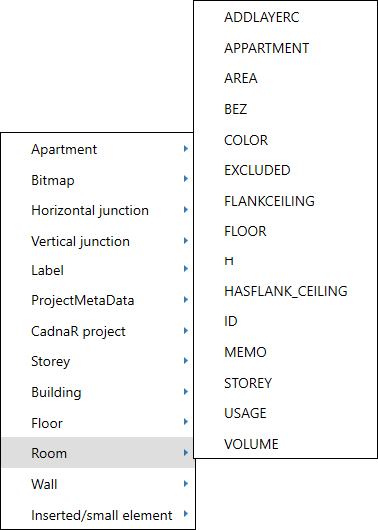
In order to display - for example - the wall thickness (keyword THICK), the object ID must first be copied in the "Text" field and the keyword replaced by selection from the sub-menu:
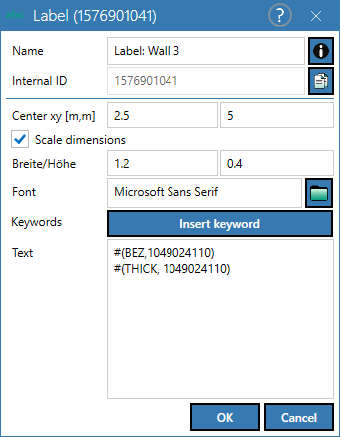
- "Text" field: is used to store expressions using keywords or for free text