Selecting Wall Constructions
Since default constructions are selected in the project settings for walls and ceilings, no additional selections for those elements are required.
Selecting a wall construction
In order to select a new wall construction (or to change a selected construction), proceed as follows - depending on the selected mode.
Assigning a wall in "Project" mode
- Select the "Project" mode.
- Double click the wall.
The Wall dialog (see Wall) opens.
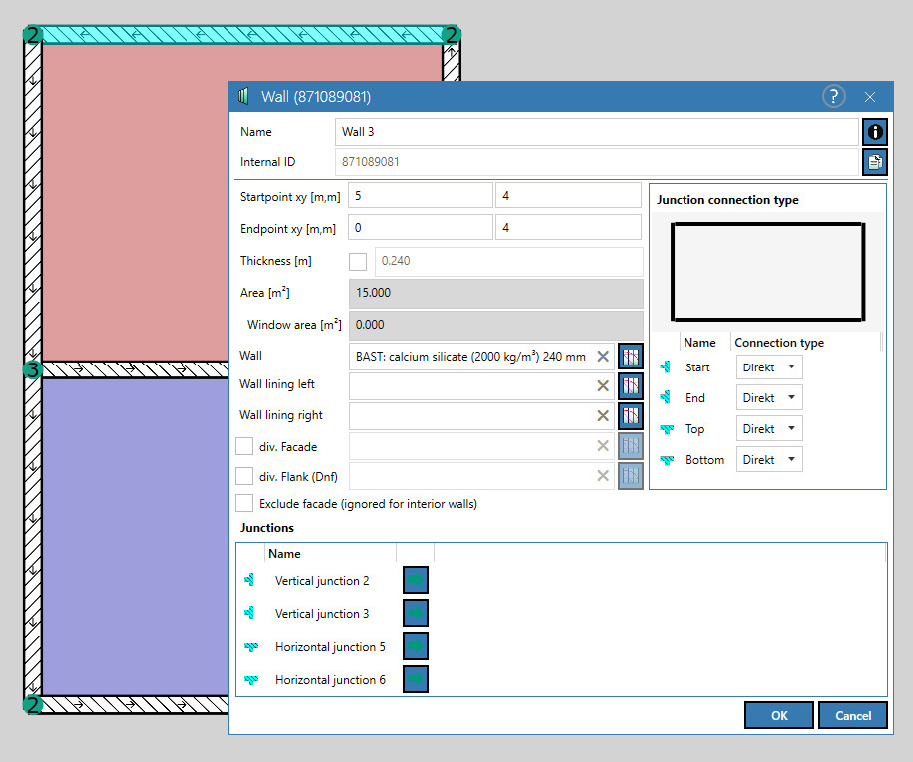
Wall dialog
Alternatively, a construction can be assigned or changed by:
- in the "Project" mode by double-clicking the corresponding entry in the element list, or
- right-click on the element in 2D-view and selecting the Edit command from the context menu.
Assigning a wall in "Construction" mode
- Select the "Construction" mode.
- Double-click on the wall to open the Construction Browser dialog (see Construction Browser) for the basic component or
- select the command Assign main construction from the context menu of the wall.
Assigning multiple walls in "Construction" mode
In the "Construction" mode, also several walls can be selected or changed at the same time. To do this, proceed as follows:
- Use the mouse (by pressing the CTRL key) to select the walls to which shall get a construction assigned or to alter the currently assigned construction.
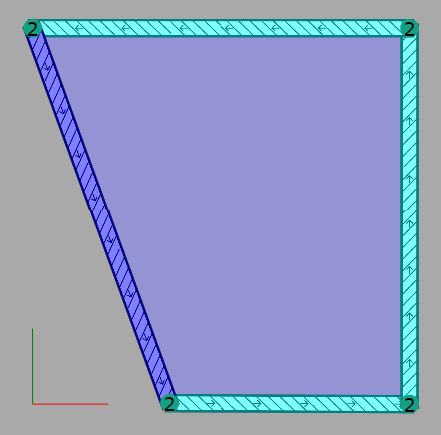
- Alternatively, select the element via the element list (again by using the CTRL key).
- Select the context menu command Edit from the context menu of a wall in the 2D view or from the context menu of the list to open the Construction browser dialog (see Construction Browser).
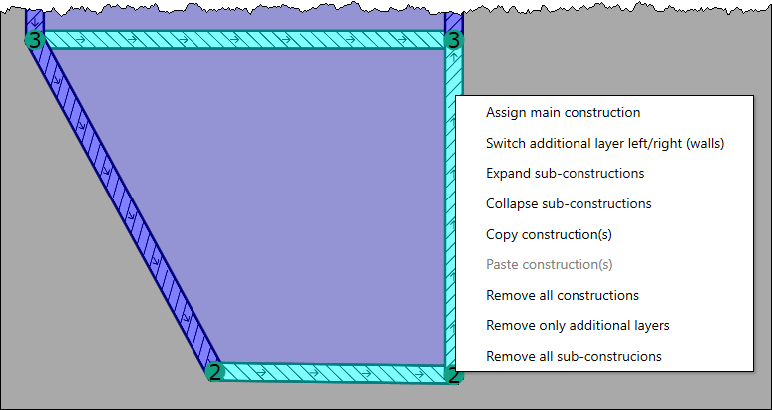
Afterwards, when selecting a construction in the construction browser clicking OK, this construction will be assigned to all selected elements.
Note
By selecting multiple walls in the "Construction" mode, as described above, only the basic elements can be assigned, but no additional layers. In order to achieve this, double-click on each wall separately and select the additional layer via the Wall dialog (see Wall).
Note
The construction of a wall (incl. additional layers) can be quickly and easily transferred to other objects by means of copy (CTRL+C) and paste (CTRL+V).