Entering & Editing Rooms
In CadnaB a building can in principle consist of any number of storeys, the latter in turn with any number of rooms.
A “Room” object, however, only is generated when the surrounding walls form a closed polygon.
Example
In the "Project" mode (see „Project“ Mode) the element geometry can be entered using the mouse.
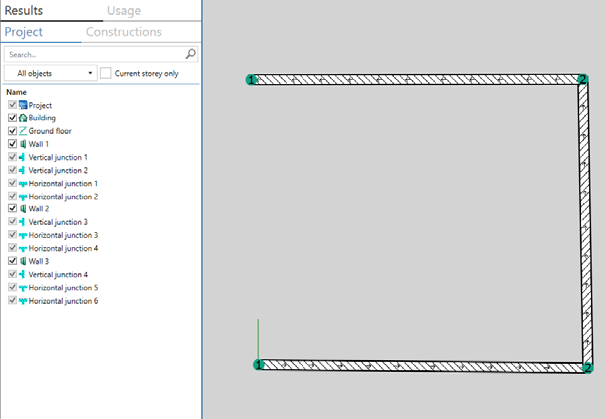 |
After entering just three walls with the multi-wall tool (see Multi-Wall tool ) as an open polygon, no "Room" object is generated. |
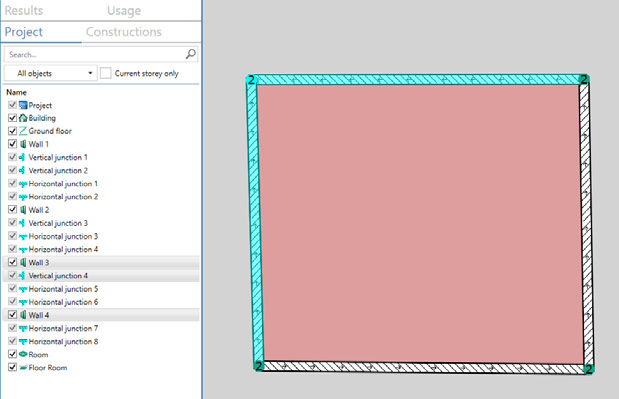 |
As soon as the room polygon is closed, the objects "Room" and "Floor" are automatically generated and the room base area is colorized. |
Double-click on a room base to open the Room dialog (see Room).