Entering & Editing Windows/Doors/Small Elements
The tool  on the toolbar (see Symbol Bar), the position and geometry of the following inserted or small elements can be entered in the 2D view:
- doors, windows and glazing (parameter: R or Rw in dB)
- small components such as roller shutter boxes or ventilation openings in the separating component (parameter: Dn,e or Dn,e,w in dB).
Note
In CadnaB, all of the above-mentioned elements can be inserted into both, internal and external walls.
Entering a window
Proceed as follows:
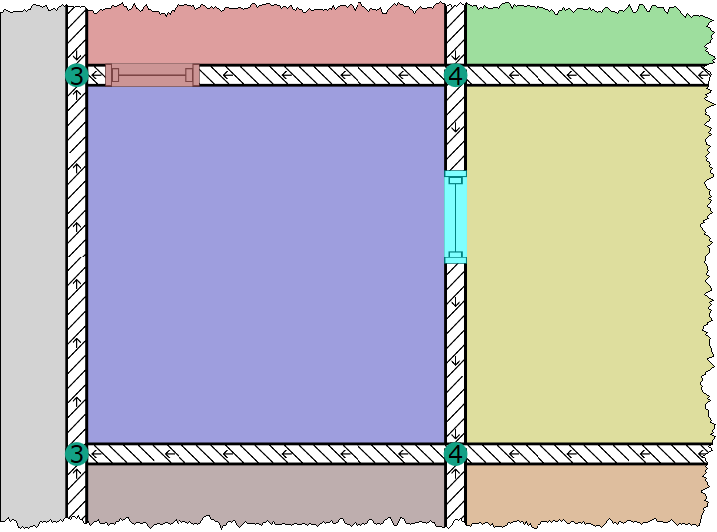
- Select the icon on the toolbar and click on a wall where the element shall be placed.
Note
By deafult, a window symbol is drawn, but the symbol shown depends on the selected type of element.
-
Double-click on the symbol and select the desired element type in the list box "Shape".
-
Enter the required data in the Inserted/small element dialog (see Inserted/small Element) and select a construction.
After closing the dialog with OK, the display changes according to the selected element type, see Inserted/small Element.