Line of Fault
The object „Line of Fault“ is superfluous in conjunction with the terrain generation by triangulation (see DTM Digital Terrain Model Tab) and should, therefore, no longer be used in this case.
When using the triangulation, the same effect on the terrain model is caused by two parallel contour lines, the one having the height of the lower, the other the height of the upper terrain level.
Note
The line-of-fault has been used in conjunction with the historical methods for generating a digital terrain model (options „Search Contour Lines (Average)“ and „Search Contour Lines (Local Inclined Plane)“ on dialog Calculation|Configuration, „DTM“ tab (see DTM Digital Terrain Model Tab) to cause a jump in terrain height on both sides by the nearest contour lines or other height points (e.g. base points of buildings).
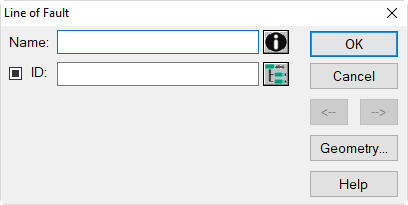
Dialog Line of Fault
Dialog options
Name, ID, Memo-Window, ObjectTree
see Dialog Options Name, ID, INFO, ObjectTree, Master in the manual „Introduction to CadnaA“
Button "Geometry"
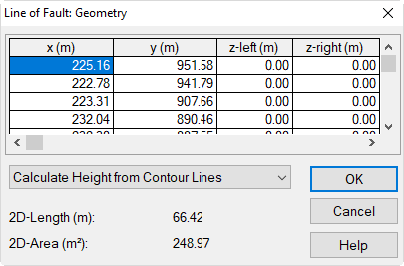
Dialog Geometry of a Line-of-Fault
- option „absolute Height at every Point“: After double-clicking into a row of the polygon point table, the absolute height to the left and to the right of the line-of-fault can be entered.