Modify Objects
This command selectable from the context menu of an object enables to address various actions to a single or groups of objects. When being selected from the context menu of a closed polygon the command refers to all objects inside, outside, or on (i.e. crossing) this polygon.
The actions may be applied to an individual object as well. In this case, these actions are listed on object’s context menu.
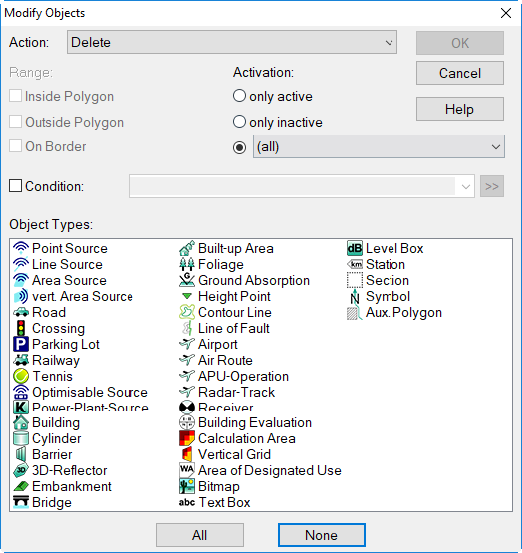
Dialog Modify Objects
For the general features on the dialog Modify Objects and all available actions see Chapter 11 - Modify Objects.
Actions with point and line objects
When the command Modify Objects is selected from the context menu of a point or a line object the subsequent action will be addressed to all objects besides the one which the command was selected from.
Example: delete all point sources besides just a single one
Procedure:
- select from the context menu of the point source to be kept the command Modify Objects,
- action: Delete,
- range: all
- object type: point source
Upon OK all point sources will be deleted, besides the one the context menu of which was used to start the action from.