3D-Grid
The "3D Grid" object represents a closed polygon that may consist of any number of vortex points. Each vortex point may have its own height. Consequently, the 3D-grid can be freely oriented in space. Prior to calculation, a coplanar plane is calculated from the grids vortex points by minimizing the mean squared distances. The resulting surface is used as a projection plane to display the 3D grid resulting from voxel grid calculations (see Voxel Grid menu).
When moving the 3D-grid in the 2D-view, with the 3D-View opened in parallel (see 3D-View) the representation in 3D-View is immediately updated, not requiring a recalculation.
The existing 3D grids are listed in the object tables (see menu Tables|Other Objects). The sequence of the objects in the table determines the order of the calculation.
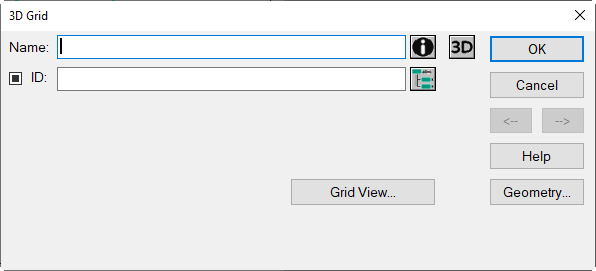
3D Grid dialog
Dialog options
- Name, ID, ObjectTree and Memo-Window see Common Input Data
- Button „3D“: see Common Input Data - Obstacles, no object color settings possible for the 3D-grid.
- Button Geometry: see Common Input Data - Geometry
- Button „Grid View“: opens the Grid View dialog
Grid View dialog
The dialog consists of a specific toolbar and shows the following views of the current vertical grid:
- top: front view (perpendicular to the coplanar plane),
- bottom: top-view inside the room (see Room).
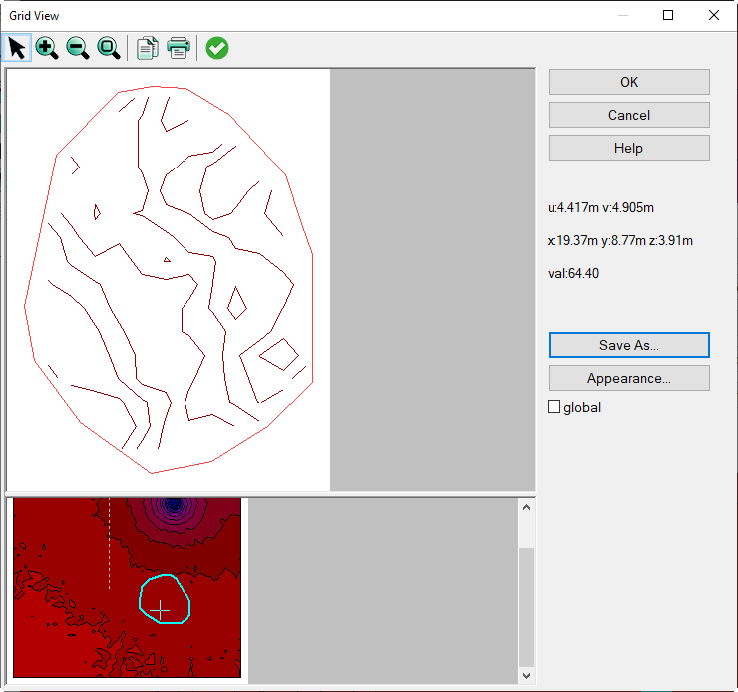
The scale can be changed via the toolbar (zoom +/-, zoom to limits).
Further dialog options
see Vertical Grid, sections:
- toolbar of the Grid View
- local coordinate system u, v
- coordinated display of the mouse pointer position
- "Save as" and "Display" buttons
3D Grid in 3D-View
With respect to data handling, the data displayed on a 3D grid represent a section of the spatial voxel grid. Therefore, a 3D grid displayed on the 3D-View dialog is immediately updated after moving its position or changing its size in the 2D view. Thus, it does not require to recalculate.
Example
parallel display of the 2D room view (floor plan) and the 3D view:
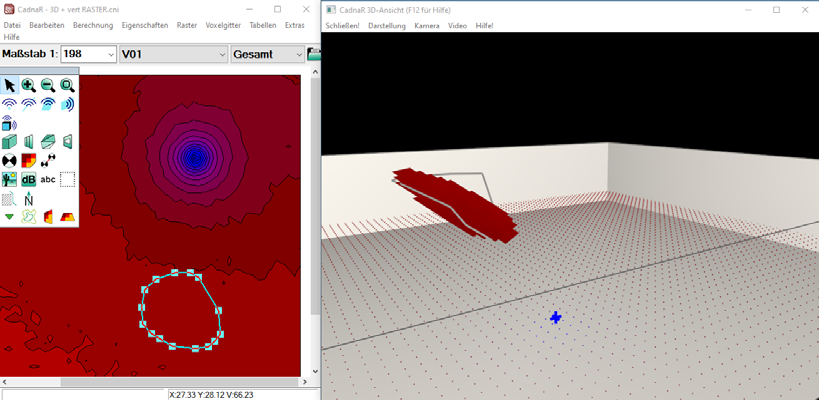 |
3D grid in 2D and 3D view: 3D view with the original polygon, also showing the calculated coplanar plane |
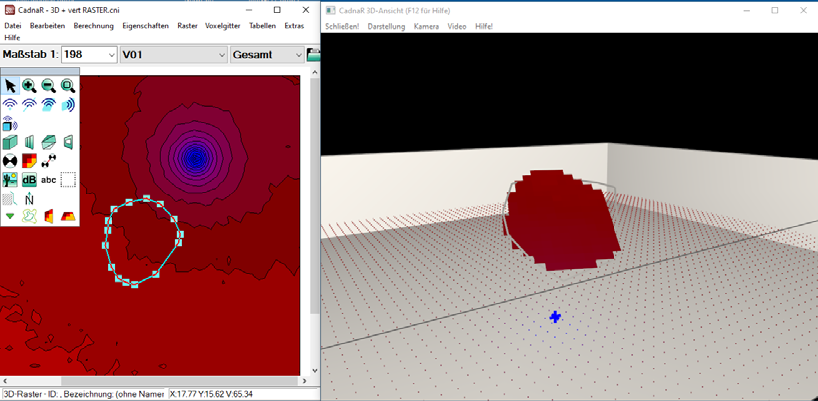 |
After moving and rotating the 3D grid in the 2D view: The 3D view is updated immediately. |