Sketchup SKP (*.skp)
The import of CadnaR can process SKP files up to SketchUp 2023. Objects that can be converted to CadnaR objects are converted. Object types that cannot be converted are displayed as auxiliary polygons.
Groups in Sketchup
With groups of objects defined in SketchUp, they can also be imported to CadnaR, including the objects. Use the import feature provided in the ObjectTree dialog (see ObjectTree).
Import Options
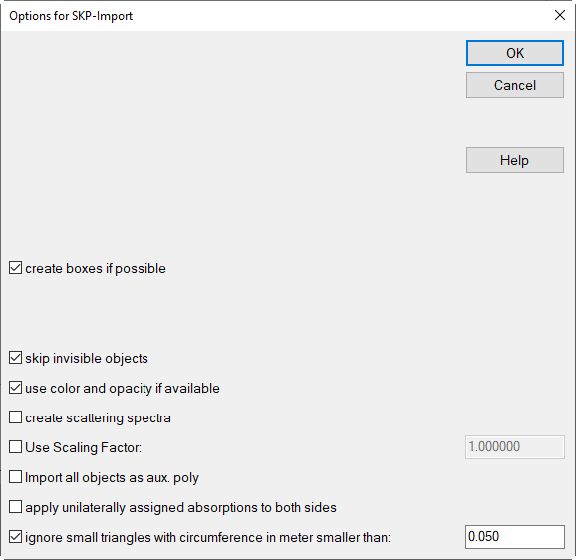
- create boxes if possibleWith this option active, box-type objects created as a group in SketchUp will be imported as such (if possible).
- skip invisible objectsWith this option active, invisible objects and layers in SketchUp are skipped during import.
- use color and opacity if availableThis options offers the transfer of object color and opacity from the Sketchup model.
- create scattering spectraThis option generates scattering spectra with material names (in the same way as with absorption spectra)
- apply unilaterally assigned absorptions to both sideIn case, in SketchUp, an object was assigned an absorption for one side only, it will be assigned to both sides of a barrier or a PolyMesh on import.
for all further available options see DWG (*.dwg)
Further Information
- The Sketchup layer name is written to a string variable (see Common Input Data, Memo-Window) of each imported object.