Orthogonalize
This command from the context menu or from the list box „Action“ on the Modify Objects dialog is applicable to all closed polygons.
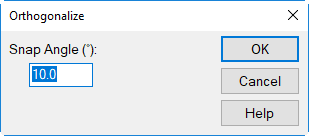
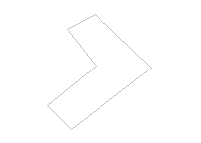
An arbitrary polygon with different angles between two adjacent polygon points can be transformed into a polygon with right angles by specifying a snap angle.
 |
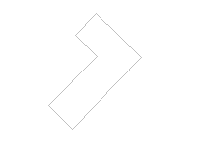 |
| initial polygon | polygon after applying the context menu command Force Right Angles with a snap angle of 45° |