Chapter 6 - Modify Objects
The command Modify Objects enables to address various actions to a single or several object groups. The command is selectable
- from the global context menu when clicking into the white area of the CadnaR-main window or
- from the context menu of an individual object.
When being selected from the context menu of a closed polygon the command refers to all objects inside, outside, or on the polygon border.
When selecting the command Modify Objects from the context menu of an individual object this object will be excluded from the subsequently applied action.
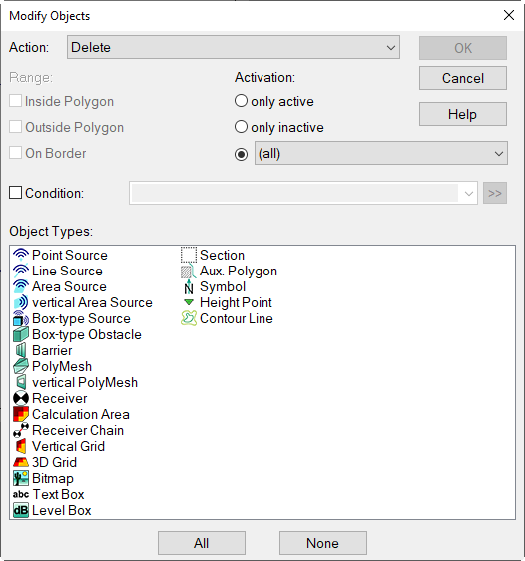
Dialog Modify Objects
Actions
For the time being the following actions are available in CadnaR:
- Delete
- Modify Attribute
- Duplicate
- Force Rectangle
- Orthogonalize
- Snap Point to Obstacle
- Modify Order of Points
- Spline
- Simplify Geo
- Break into pieces
- Connect Lines
- Transformation
- Convert to
- Generate Label
- Parallel Object
- Activation
- Multiselect
- Delete Duplicates
- Normalize rotation angles
- Change ObjectTree assignment